Your first letter
A separate printed face and a simple body. Learn dimensions, clearances and exports.
Open letter exampleTEXT. SHAPES. PRINTABLE PARTS.
Design letters and contour lightboxes in your browser. Choose how the parts fit, add wire passages, then download files for your printer or acrylic cutter.
Start designing — FreeMake your first letterFree design and downloads. No account required when the public beta opens. Save an editable design file to your device and reopen it later. No cloud account or automatic backup.
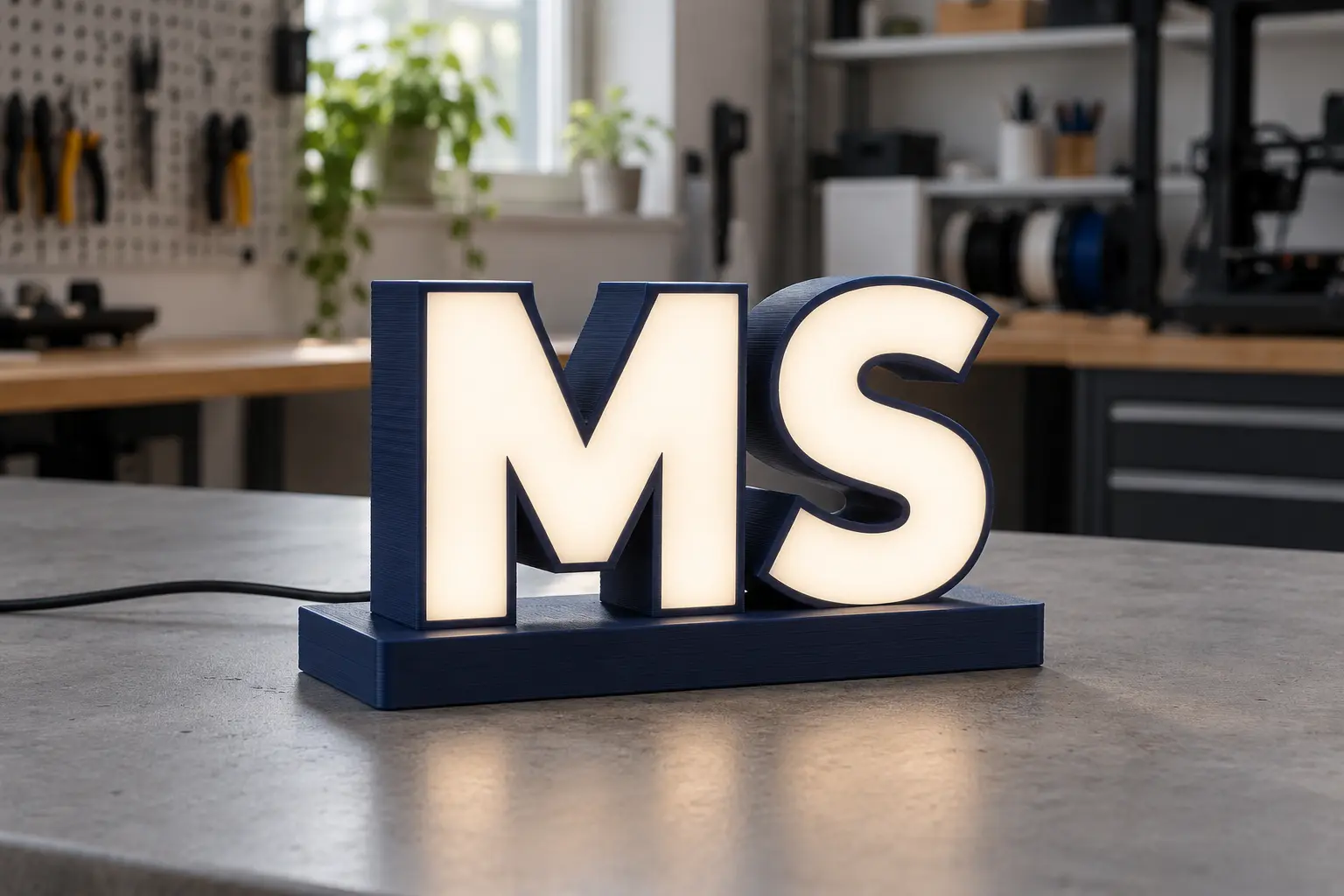
EXPLORE THE POSSIBILITIES
Start with lettering or a simple silhouette, then choose the colours and construction.
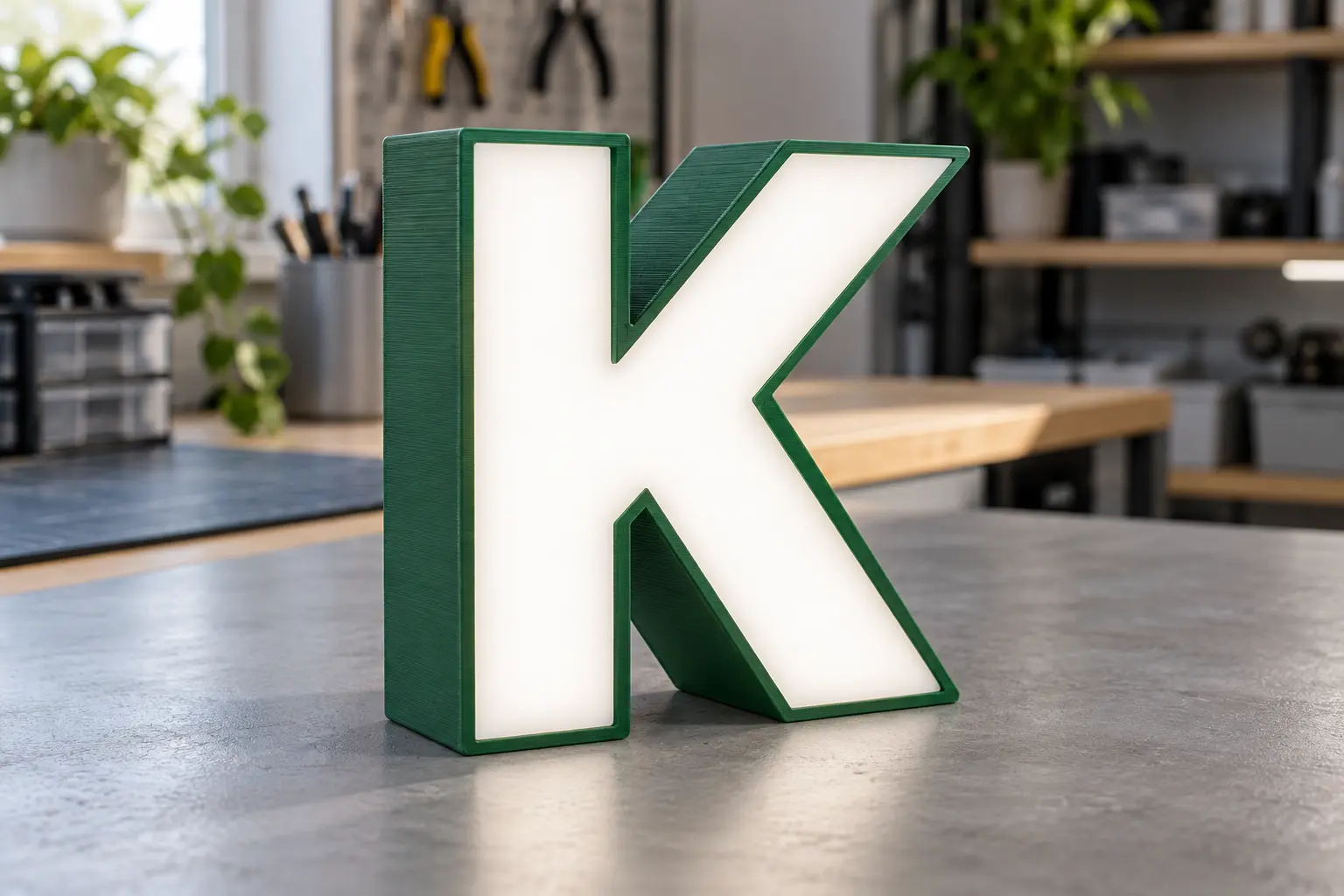
An opaque printed body frames a softly illuminated face.
Explore letter constructions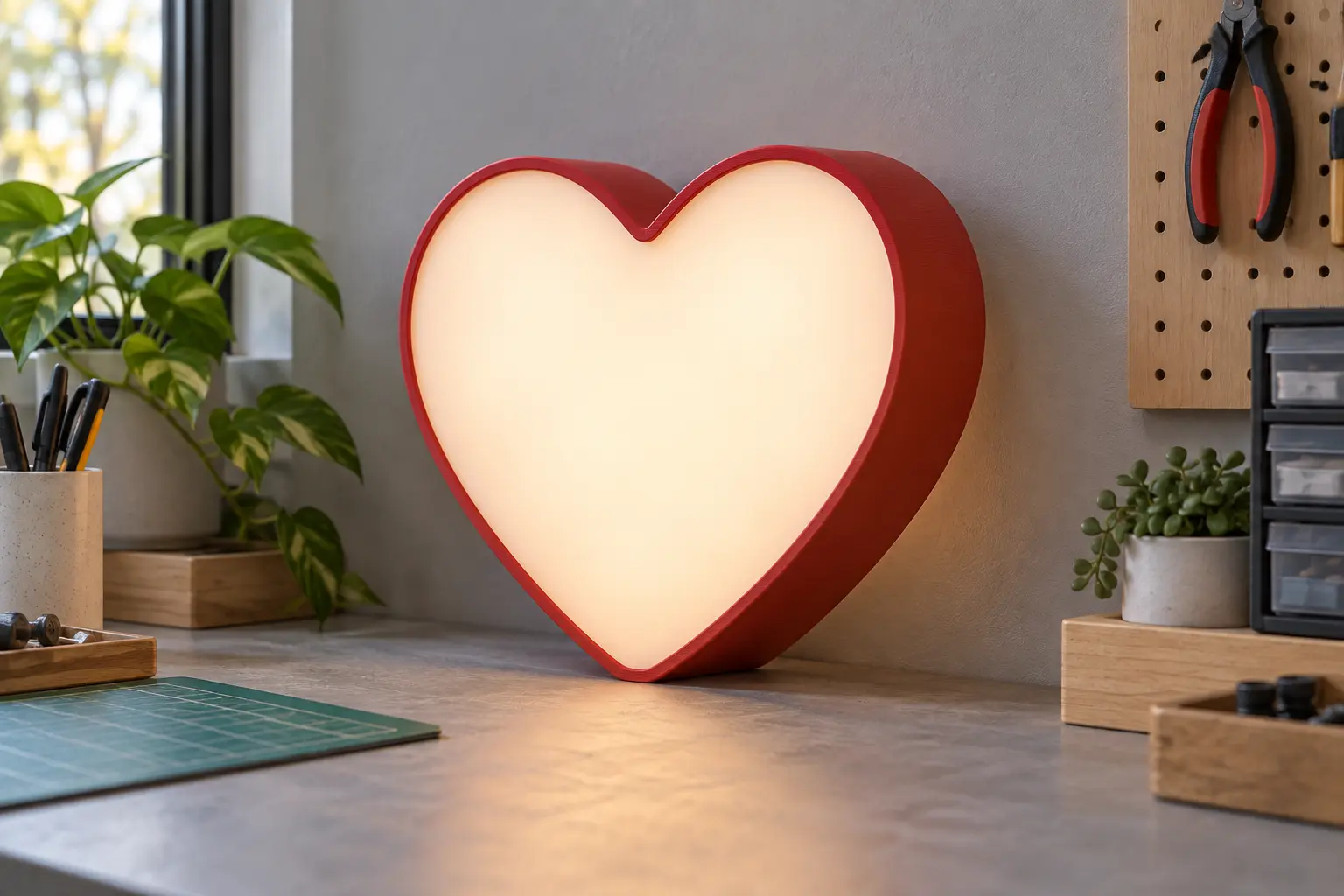
A contour enclosure turns a simple silhouette into a lightbox.
Learn about contour boxesDesign inspiration, not photographs of tested prints. Appearance depends on the material and lighting. These images are not downloadable style presets.
START SMALL
A separate printed face and a simple body. Learn dimensions, clearances and exports.
Open letter exampleA heart-shaped box with a diffuser and opaque mask. See how a shape becomes an assembly.
Open contour exampleA rectangular sign split into printable sections. Inspect the joints and start with a small fit sample.
Open split exampleExperimental mechanical joints
FROM SCREEN TO SLICER
Printable parts arranged for Bambu Studio. Choose your own printer and filament settings before slicing.
Individual STLs, applicable acrylic SVG/DXF files and assembly instructions. No G-code is supplied.
This is a workshop beta. Fit, illumination and strength depend on your design, printer and materials. Use the included fit samples where available and inspect sliced layers. LED placement and consumption calculations are not available in this first release.
Help improve the next version